
Master your instincts
Biometric integrated VR to train soldiers and emergency responders to stay in control when it matters most.
Acute stress kills
From dangerous risk taking to full physical shutdown, an uncontrolled response to acute stress diminishes performance in critical moments and can have real, immediate, and fatal consequences.Long term continued exposure to stress can lead to physical and emotional exhaustion, PTSD, and other mental health issues.
Stress Exposure Training &
Stress Inoculation Training
(SET/SIT) is:
1. Expensive
Existing SET/SIT training can be extremely costly per unit and often even more costly logistically.
2. Inaccessible
High burden of organisation, accommodation and transportation limits this training to specialised units.
3. Imprecise
Performance and progress tracking too often relies on general observation and subjective judgment.
We use a VR environment to safely stimulate a real stress response in participants
During play, we monitor each player's Heart Rate Variability (HRV), a measure for the body's response to acute stress.
As players get more stressed, audio and visual components are restricted, making it harder to complete challenges.
These challenges are key to assessing how well players can stay in control while under pressure.
The more players learn to stay calm, the easier it is to succeed. This feedback loop trains their autonomic nervous system's response to extreme danger: improving performance when it matters most.
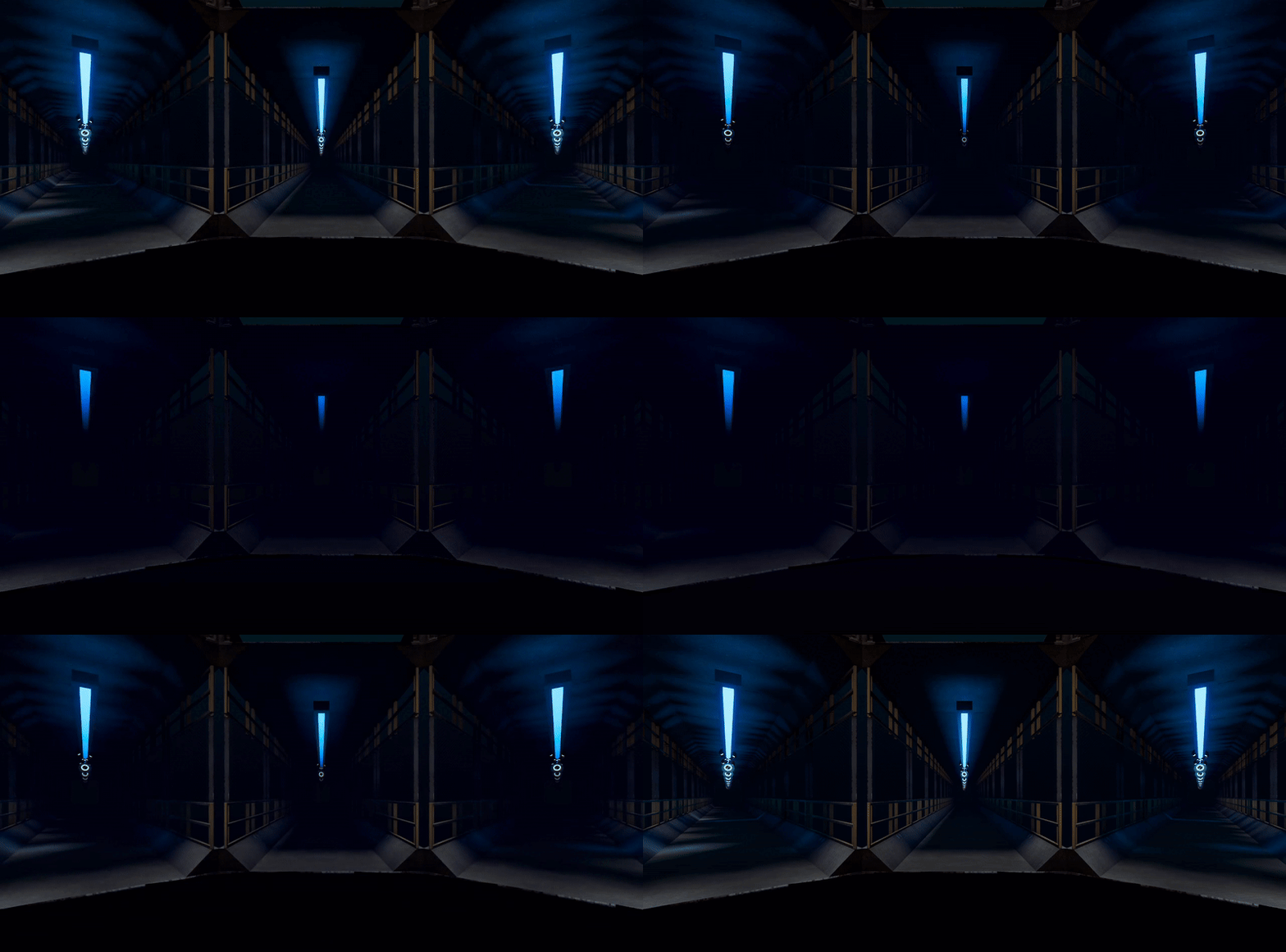
BRAVR applies principles learned from 15+ years of
academic research, using Virtual Reality (VR) to stimulate
an actual, autonomic physical stress response.
BRAVR Team

Thijs
Doornbos
Engineering
Hi, I'm Thijs. Dad, dev, dreamer.
I am a full-stack engineer turned award winning game and VR developer in commercial and academic markets, specialised in bioinformatics.
Ken
Koontz
Creative
I’m a curious designer, and dad to two little rugrats under two, also an award winning creator of applied behavioural science games in research and mental healthcare for over 15 years.


Devon
Yagian
Audio
I am a sonic artist and an anthropologist who grew up on a diet of punk and spooky fx tapes. Most importantly, the father of a super curious and totally wild 8 yr-old boy.

Lena
Čechovičová
Research
I am a Masters student in Brain and Cognition who is obsessed with psychology and occultism. I love bad puns, mysteries, big questions, and I can’t stand wet socks.
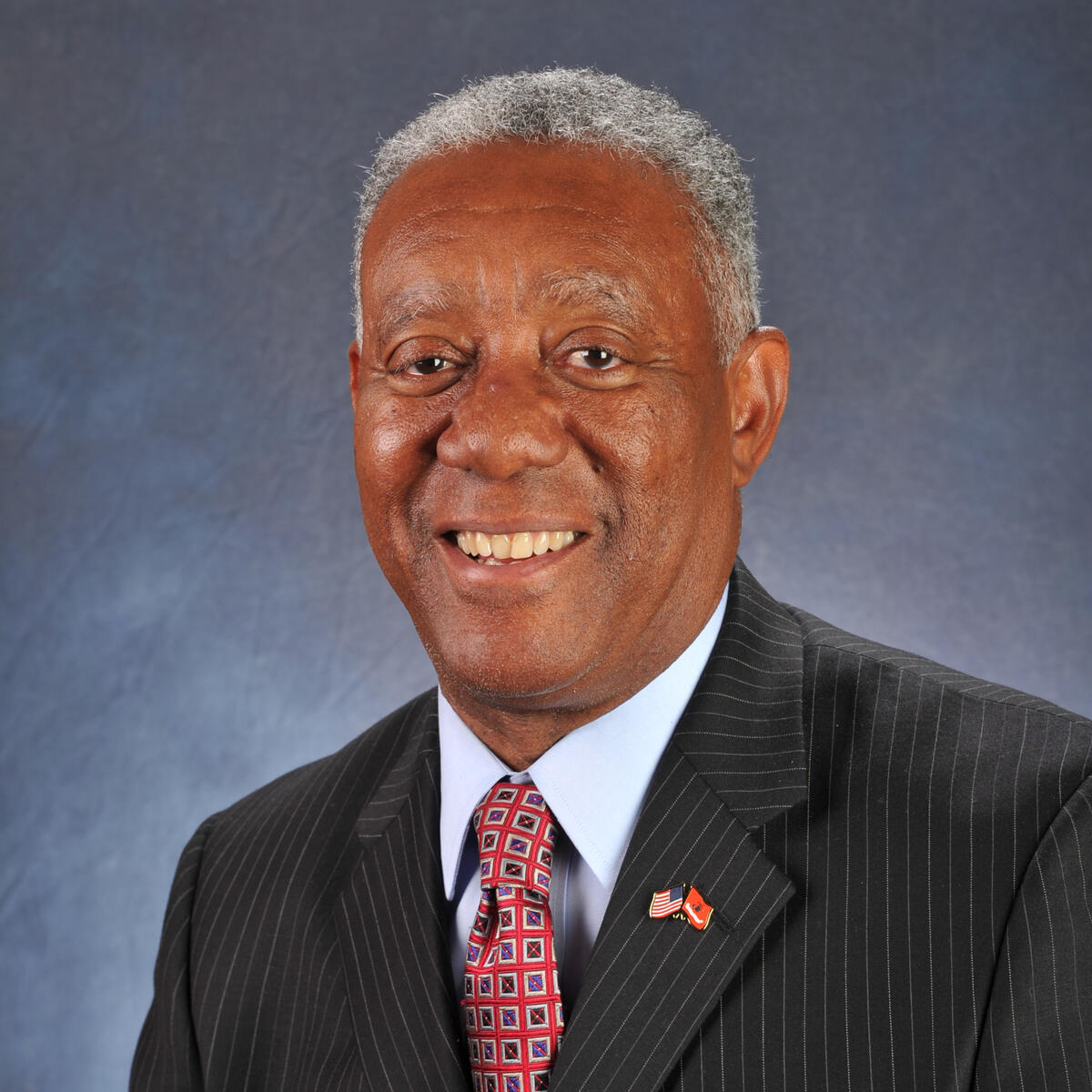
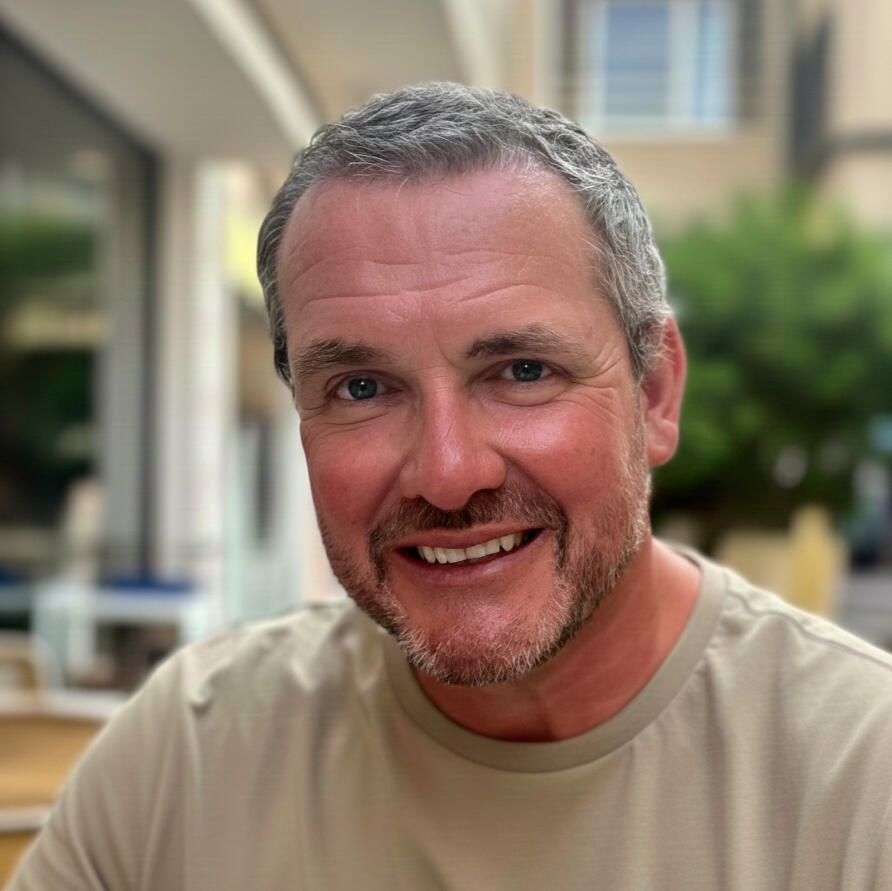
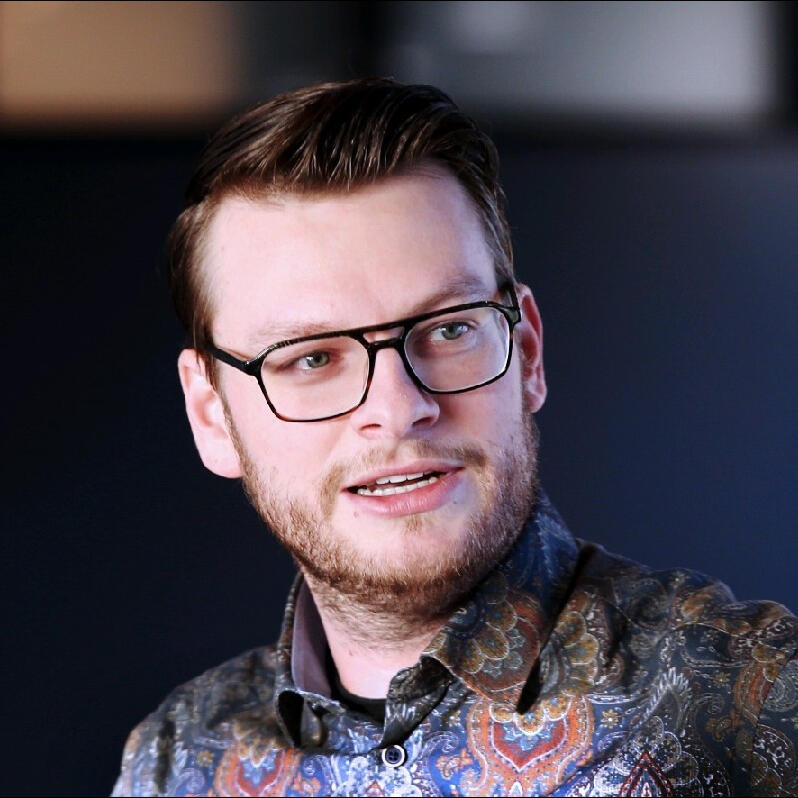
Our Advisors

Latest News
2026
February 2nd - BRAVR is recognised as a top wellness startup in the Netherlands.
Check it out here.
January 26th - Scott Williamson Dip PSLM, MSYL just raised our standards, bringing hard-earned law enforcement and government training expertise as BRAVR’s newest advisor.
More about Scott here.
January 12th - Lena Čechovičová joins BRAVR from the University of Amsterdam in Applied Cognition, armed with a sharp mind, fresh perspective, and zero fluff.
More about Lena here.
2025
August 25th - Devon Yagian joins the BRAVR team, everyones' ears are officially in better hands.
More about Devon here.
Frequently Asked Questions
Below are some common questions we have encountered during the development of this project.
Are you hiring?
We're always looking for exceptional people to make our company their company too.
Use the contact form and ask for application information.
Do I need a VR system?
No - we provide everything you need in a plug-and-play box, no technical know-how needed.
How can I view a demo or playtest?
Fill out the contact form and ask! Depending on time zone, we'll typically respond within a working day.
What does success look like for BRAVR?
Success is imagining something and making it real. We imagined effective mental readiness training at scale, and we're working to make that real for a national-size organisation.
Let's build BRAVR together.
Acute stress ruins decision making.
This is a huge problem when guns and fires are putting our lives at stake.You can help fix that.Sign up below to stay in the loop with BRAVR.
Contact Us
©2026 BRAVR Technologies.
All rights reserved.
KVK: 97265896
Privacy Policy
Supporting Research
VR stimulation in stress exposure/inoculation and stress response (Stress inducing VR)
Virtual reality adaptive stimulation of limbic networks in the mental readiness training
Stress inoculation training supported by physiology-driven adaptive virtual reality stimulation
Evoking stress reactivity in virtual reality: A systematic review and meta-analysis
Virtual Reality Applications for Stress Management Training in the Military
Realtime biometric measurements for stress management
HRV as a stress response training measurement
Impact of Immersion in design
The stress and workload of virtual reality training: the effects of presence, immersion and flow
©2026 BRAVR Technologies.
All rights reserved.
KVK: 97265896
Privacy Policy
Privacy Policy
1. Information We Collect
- Details you provide when you sign up for early access, newsletters, or lead-generation forms (such as: name, email address, job title, organisation).
- No sensitive personal data (such as political views, racial or ethnic origin, health data, or religious beliefs) is collected or used for advertising.
2. How We Use Your Information
- To contact you about BRAVR products, services, or pilot opportunities you requested.
- To inform our website and advertising campaigns by better understanding the job roles we are appealing to.
3. Advertising & Cookies
- Our LinkedIn ads are aimed at broad audiences and comply with LinkedIn’s minimum-size requirements; we do not micro-target individuals with LinkedIn ads.
- Cookies and similar technologies may be used to measure ad performance on third party sites and apps like LinkedIn. You can manage your cookie and ad settings at any time on those sites/apps through your browser or LinkedIn account.
4. Data Protection
- We store personal data securely using standardised safeguards.
- We never sell your personal information.
5. Your Rights
- You may request access to, correction of, or deletion of your personal data at any time.
- To exercise your rights or ask questions about this policy, email [email protected].
©2026 BRAVR Technologies.
All rights reserved.
KVK: 97265896
Subscribed
Thank you for your interest in BRAVR!
You’re now part of our inner circle
Our earliest advisors, testers, supporters, maybe even first customers. We'll keep you on the cutting edge of everything we're doing with BRAVR.
©2026 BRAVR Technologies.
All rights reserved.
KVK: 97265896
Privacy Policy
Help & Support
Guide for Trainers and Participants | Last updated: 12/08/2026 | version 0.1.9.9
Stuck right now?email [email protected]
Video walkthroughs of every step: [TBD YouTube channel link]
The Training
6 Weeks
8 Workouts (~20 min ea.)A workout consists of:

*Pro Tip: You only need to calibrate once per day
Instructions
The Task
- You are approached in 360° by CLFs [see-el-effs]
- Your baton color indicates which is a threat
*e.g. Red batons = Red CLFs are hostiles, other colours are friendly
Yellow Batons = Yellow CLFs are hostile, other colours are friendly

✅ Gain Points by:
- Good Hits: Striking hostile CLFs
- Good Avoids: Not striking friendly CLFs
❌ Lose Points by:
- Bad Hits: Striking friendly CLFs
- Times Attacked: Not striking hostile CLFs
Setup
1. Open the Box and connect the power cables of the computer, monitor, router and VR charging cables to the included power extension board.
2. Connect the included power extension board to a wall socket via the power port.
3. Switch on the computer, router, and monitor (each has a power button + indicator light).
4. Connect the mouse & keyboard to the computer.
5. Hold the Quest 3 headset power button until its indicator light comes on.
6. The headset and Box ship pre-paired to the BRAVR local Wi-Fi network.
No network setup or passwords needed for setup. Please do not enter or change any network settings
If the System Check/ Headset Connection shows "not connected" see Troubleshooting below.
7. Launch the BRAVR application on the Box and then the headset.
What's in the Box?
- Quest 3 headset + pro strap
- 2 controllers with rechargeable batteries + charging mounts
- Polar H10 sensor with 3 strap sizes (XS-S, M-XXL, XXXL)
- Admin computer, monitor, router and power extension board all safely mounted to the box interior
- Mouse + Keyboard
- USB cable & power supply
- Wet wipes
Training Space setup:
- At least 2m x2m, free of obstacles, with safe distance to walls and objects.
- Place the Box to one side of the space, never isnside it.
VR Space setup: (first use or new location)
- Select the Boundary option from the settings panel.
- Choose Stationary (1m x 1m boundary centered around you).
- Follow the on-screen prompts to point at the floor to calibrate height.
- If the headset loses the boundary later, hold the Meta button on the right controller to reset it.
Your First Workout
1. Fit the Sensor
Open the Box and put on the strap size that sits snug on your ribcage, moisten the electrode strip on the back with a wet wipe, clip in the sensor.
2. Log in on the Box
Power on all the hardware. Open the application from the desktop shortcut link.
At the Title screen, enter your username - it should not be your real name or anything identifying.
*Note: Usernames are case-sensitive.
*Note: Use the same username every time, or your progress won't carry over.
3. Check your progress screen
Press Start / Continue.
4. System Check
On the Prep screen confirm every item reads "Connected" (Polar H10, headset link).
*Note: Don't start a Workout with anything red.
5. Choose Intensity
Light is where the Training starts;
Moderate, Intense, and Overload each unlock when you complete the previous level.
*Note: Demo isn't part of the Training, it's for onboarding and demonstrations only.
6. Calibrate
In the headset: Stand still and quiet → follow the on-screen breathing pattern → keep following it while the system finds your target HRV.
On the Box: A trainer can also enter a target HRV manually, where necessary. You will see a notice in the VR headset when manually overridden.
7. Press Start Workout in the headset
Between Sets, in the VR headset, you will get an after action review of your scores and a chance to practice your regulation technique in the White Room. After the last Set and after action review, you can see a full workout summary on the Box.
When finished with your workouts, please return all equipment carefully to the Box, remembering to charge controllers and headset.
Training alone?
An entire workout can be completed without assistance, inside the VR headset.
Care & Hygiene
The steps below are recommendations to protect both the health of Participants and the longevity of the hardware. A minute of care after each Workout keeps shared equipment hygienic and working for the full Training.
- Wipe the facial interface, controllers, and sensor strap with the included wet wipes
- Never leave the headset with lenses facing a window, direct sunlight permanently damages the displays in seconds.
- PLEASE return everything to the Box after each Workout: headset plugged in, controllers on their charging mounts, sensor unclipped from the strap.
Typical Issues
Below are some common occurrences we have encountered during testing.
The screen is going dark / sound is fading, is the headset broken?
No — that's the product working. Visual and audio restriction is how BRAVR responds to your rising stress level. Regulate (slow your breathing) and the environment recovers.
Is the screen fully black? - Then the headset is just asleep: press (don't hold) the power button.
What does the sensor measure, and who sees my data?
The Polar H10 can measure a range of biometrics, but BRAVR captures only two: your heart rate and your HRV. Data will be de-identified for storage.You choose your own username, and all your biometric and workout data is stored locally on the Box itself, under the control of your organisation under that username rather than your name.The link between your name and your username is stored separately in an encrypted file and is deleted once the final follow-up survey closes.
My target HRV is quite different each time I calibrate — is that OK?
Yes — that's expected, and the system is designed for it. HRV naturally swings from day to day with sleep, travel, illness, alcohol, caffeine, hard exercise, even the time of day. A rough night or a recent flight can noticeably lower it. That's exactly why every Workout begins with a fresh calibration: your target reflects your body today, so your scores measure how well you regulate under pressure, not whether you slept badly last night.A target that differs by up to about ±10 ms between calibrations is normal, it is not a fault and doesn't put you at a disadvantage. Outside that margin, may point to a sensor error, see Troubleshooting below.
I wear glasses.
Most frames fit inside the Quest 3; adjust the glasses spacer if lenses touch. Contacts: no issue.
Can I do extra Workouts?
Yes — after completing all mandatory Workouts you're encouraged to keep training and climb the Leaderboard.
Troubleshooting
| Symptom | Do This |
|---|---|
| Headset display is dark | It's in standby. Press (don't hold) the power button. |
| Controller or headset battery low | Swap in fresh batteries for immediate use, or dock on the charging mounts for at least 30 min. |
| App freezes or crashes | Restart the application on the headset and/or Box. If it's stuck: hold the headset power button to force restart, then relaunch. Happens twice in one Workout? Stop and report it! Please note what you were doing. |
| System check Headset Connection: "not connected" | The connection is pre-configured, if Wi-Fi connection is lost check the label on the inside of the Box to find the network name and password to reconnect. If problem persists, power-cycle the router then restart the application on both headset and Box. |
| System check HRV Sensor Status: "not connected" | Moisten the electrode strip with a wet wipe → check the sensor's battery → move or switch off nearby 2.4 GHz sources (other Bluetooth devices, 2.4 GHz Wi-Fi, wireless peripherals). This won't affect the headset/Box link, which runs on its own 5 GHz network |
| Menus in the headset are not centered around me | Hold the Meta button (right controller) to recenter the view. |
| Boundary/passthrough view appears mid-Workout | You've stepped outside the play area. Step back in. If it recurs, reset the boundary in Stationary Mode. |
| Target HRV seems erratic (outside the ±10 ms window) | Check the strap is snug and the electrode strip is moistened, redo the calibration and make sure to stand still, stop talking, and follow the breathing pattern. If the issue persists, mention it to your Trainer. |
| Nausea or dizziness | Take headset off, sit or lie down. It also helps to go outside and focus on a point far in the distance. Please report it! This is useful pilot data, not a complaint. |
If a Workout fails partway through:
- Redo workout
- Please tell your Trainer so the workout is logged correctly.
Contact Us
email [email protected]
Video walkthroughs of every step: [TBD YouTube channel link]When contacting support, include Box ID & app version (both can be found at the bottom of the Login Screen), your username, and what you were doing. That usually saves a full back-and-forth.
Still have an issue this page doesn't resolve?
©2026 BRAVR Technologies.
All rights reserved.
KVK: 97265896
Privacy Policy
SUBMITTED
Thank you for your patience!
You're issue has been successfully submitted
We'll respond as soon as possible with support to help get you back up and training again.
©2026 BRAVR Technologies.
All rights reserved.
KVK: 97265896
Privacy Policy